 Analysis by Gamescozy
Township is the kind of casual game I can pick up for a few minutes and still feel that I’ve moved something forward. Its appeal comes from switching between tending a growing town and solving match-3 puzzles, rather than asking me to settle into one long session. That mix works especially well when I want a light game with a bit of planning, though it can feel less satisfying if I’m looking for uninterrupted puzzle play or a fast route to visible progress.
Getting started—and where the pace can snag
Made by Playrix, Township is a free casual game for a broad audience; its age rating is Everyone. It launched on November 8, 2013, and version 39.1.2 is the current version. The game has a 4.7 average from around 13 million ratings, with more than 500 million installs. Those figures point to a long-running, widely played title, but they don’t tell you whether its particular blend of town-building and puzzles suits your habits.
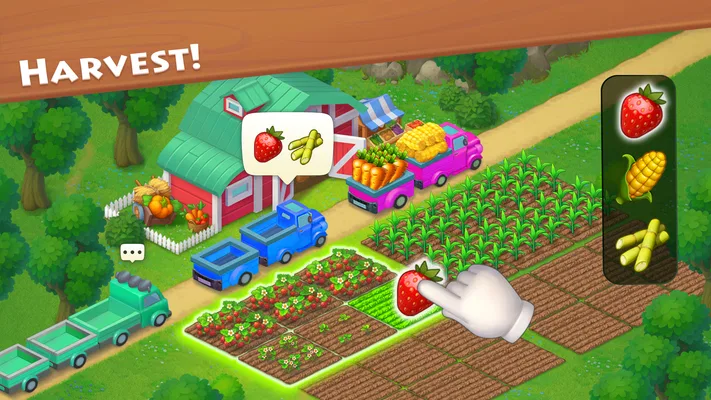
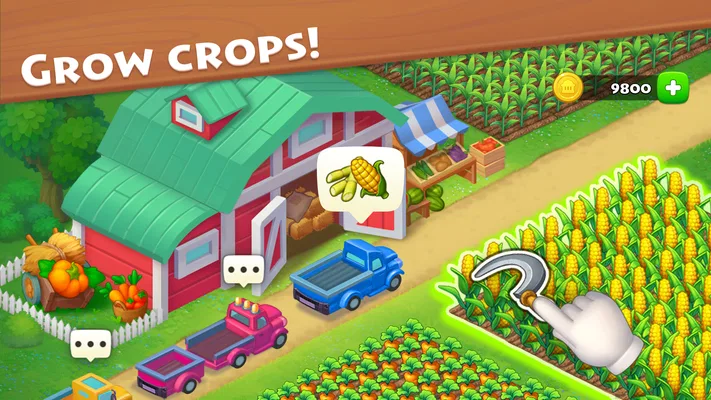
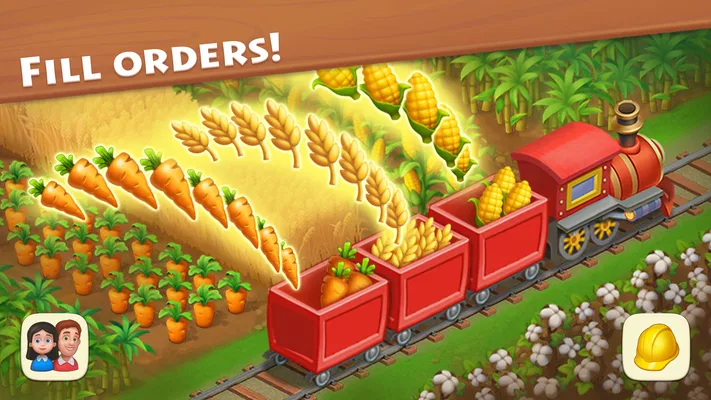
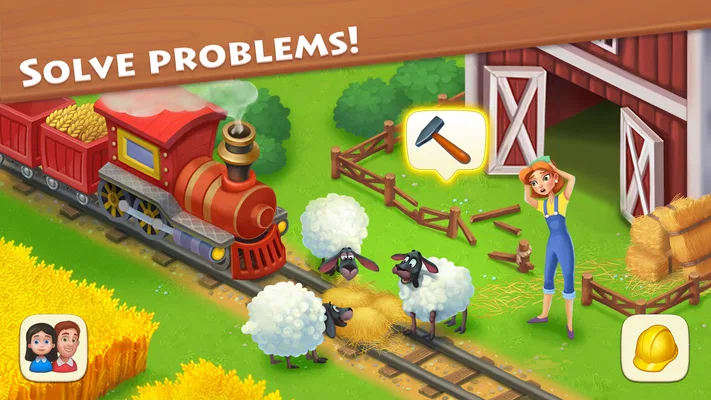
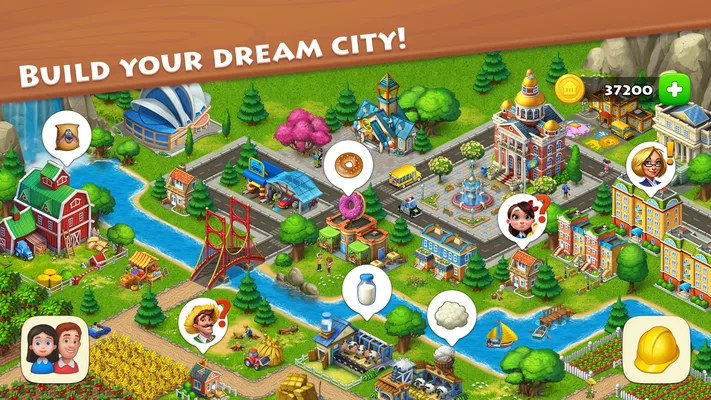
The basic rhythm is easy to understand: develop a town, take care of its farm, and play match-3 stages as part of that larger loop. What takes more patience is balancing those activities. If you focus only on puzzles, the town side can feel like a distraction; if you focus only on expansion, puzzle stages become part of the route through the game rather than the main event. I found it more enjoyable when I treated both halves as connected instead of expecting either one to carry every session.
The first common snag is a mismatch between the pace you want and the pace the game encourages. Township is not simply a sequence of quick match-3 boards, nor is it a pure town-design sandbox. Progress comes from moving between its different activities, so a player who wants an immediate, self-contained puzzle challenge may find the broader structure slows things down. Conversely, someone who wants to decorate and build without being diverted into levels may prefer a more focused simulation.
That distinction matters before you invest time. I’d recommend it to someone who enjoys having a few parallel goals to return to, especially if small bursts of play suit their routine. I’d hesitate to recommend it to a player who dislikes waiting for a larger progression loop to unfold, or who wants every session to end with a clear, substantial milestone.
Check your expectations before troubleshooting
If something feels slow, first ask whether it is a technical problem or simply the game’s progression rhythm. A puzzle that takes more than one attempt, or a town task that does not resolve as quickly as you hoped, is not automatically evidence that the app has failed. Township combines activities with different tempos; switching from a board to town management can make progress feel less direct than in a single-mode game.
I also wouldn’t judge it solely by the opening stretch. The central attraction is the repeated relationship between puzzle-solving and the town you’re building. If you only sample one side, you may miss why the other is there. Give yourself a few short sessions to see whether moving between the two feels pleasantly varied or like an interruption. That is a more useful test than trying to race through the early experience.
For a new installation, the practical first check is straightforward: use the current version available through your app store, and make sure the device has enough room and a stable connection for installation and normal use. If the game does not open or behaves unexpectedly, close it and try again, then restart the device if needed. These are basic checks rather than a guarantee of a fix, but they help separate a temporary device or connection issue from a problem with the game itself.
Keep expectations realistic about purchases, too. Township is free to download, with optional in-app purchases ranging from $0.99 to $149.99 per item. I’d treat spending as a personal choice, not a requirement for deciding whether the core loop is enjoyable. If you are trying the game for the first time, it makes sense to play without buying anything and see whether the mix of puzzles and town growth holds your interest on its own.
Make short sessions feel more useful
One practical approach is to decide what kind of session you have before opening the game. If you have only a brief break, focus on one clear task rather than bouncing repeatedly between the puzzle side and the town side. When you have more time, check both: a puzzle session can provide a change of pace from managing the town, while returning to the town gives the match-3 play a wider context.
This is particularly helpful in an everyday routine. I can imagine opening Township during a commute break or while waiting for an appointment, making a little progress, and putting it down again without needing to reserve a long evening. But it works best if I accept that a short visit may not complete everything I had in mind. Forcing a long session just because one goal remains can turn a relaxed game into a chore.
A second useful habit is to change approach when a level is not going well, rather than repeating the same moves automatically. Match-3 games reward attention to the board, and a quick pause to look at the available combinations can be more productive than rushing. If I’m getting frustrated, I switch back to the town side or stop for the moment. That keeps a difficult stage from defining my opinion of the whole game.
It also helps to keep the town-building part in perspective. It is not just decorative downtime between puzzles: it gives the game a sense of ongoing place and purpose. At the same time, players who primarily want deep, free-form city planning should be careful not to assume that Township will behave like a dedicated city simulator. Its identity depends on the combination, and that comes with trade-offs.
Recover calmly when play is interrupted
If the game closes unexpectedly or a session seems to stop responding, I would avoid immediately repeating the same action or making a purchase in an attempt to fix it. First reopen the app and check whether ordinary play has resumed. If not, close it fully, restart the device, and confirm that the game is updated. These steps address common temporary problems without assuming a particular cause.
If the issue appears connected to a weak or changing connection, try again when the connection is steadier. A mobile game can behave differently when the device is switching networks or has little signal, so a short pause and a fresh launch may be more sensible than repeated tapping. I’d also avoid uninstalling as a first response: before removing any game, consider whether you may need to preserve access to your progress and check the app’s own support options for guidance.
When progress seems not to have changed after an interruption, take a moment to confirm what the game currently displays before trying to recreate the previous session. Repeating actions without checking can make it harder to tell whether the original action registered. If the same problem continues after the basic restart and update checks, use the support route available through the app store or the game rather than guessing at a workaround.
There is another useful distinction: frustration with a hard puzzle is different from a frozen screen, and slow-feeling town progress is different from a failure to load. Naming the problem clearly helps you choose a reasonable next step. For a difficult level, take a break or reconsider the board; for a technical interruption, restart and check the connection; for a persistent issue, seek support. Treating every disappointment as an app malfunction can lead to needless troubleshooting.
When another kind of game is a better fit
Township is a good choice if you like a casual game with more than one kind of task and enjoy returning to a project over time. It is less suitable if you want a standalone match-3 game where every minute is devoted to puzzles. A dedicated puzzle title is the better alternative for players who value a direct level-to-level rhythm without a town-building layer.
The comparison works the other way, too. If your main interest is designing and managing a settlement, a focused simulation may be a better fit than a game that regularly asks you to solve match-3 boards. Township offers variety, but variety means compromise: neither activity is the entire experience. That makes it easier to dip into for mixed play, while making it harder to satisfy someone who wants deep focus on just one genre.
It is also worth considering how you react to optional spending. The game is free to start, but the range of in-app purchase prices means it is sensible to keep an eye on purchase prompts and decide your own limits. If you prefer games with no paid items at all, or you know that optional purchases make it harder for you to enjoy a game casually, this may not be the most comfortable choice.
Because Township is rated for Everyone, it can be considered for a wide range of players, including families looking for an accessible casual game. I’d still make the same practical recommendation to any player: decide whether the puzzle-and-town combination is appealing, and pay attention to purchase choices if a child will be playing. The broad age rating does not remove the need for sensible household settings and supervision around spending.
My practical verdict
After weighing its strengths and friction points, I see Township as a solid option for people who enjoy low-pressure progress and welcome a change of activity within one game. Its strongest idea is the connection between solving match-3 stages and tending a town, which gives short visits a larger thread to follow. Playrix has built a familiar, approachable casual experience, but its appeal depends on being comfortable with that blended structure rather than expecting a pure puzzle game or a pure simulator.
I’d suggest trying it if you want something to return to in small sessions, like having a town project in the background, and don’t mind alternating between different kinds of play. I would skip it if you want fast, predictable completion, dislike progression that unfolds over time, or would rather avoid optional purchases entirely. The most useful test is simple: play without spending, alternate between the town and puzzle activities, and notice whether the switches make the game more engaging or merely slow you down.
Township is at its best when I treat it as a relaxed routine rather than a race. Keep sessions purposeful, step away when a level becomes frustrating, and use basic restart and update checks for genuine technical trouble. With those expectations, it can be an easy game to fit around the day; without them, the same mix of systems may feel like too many detours.